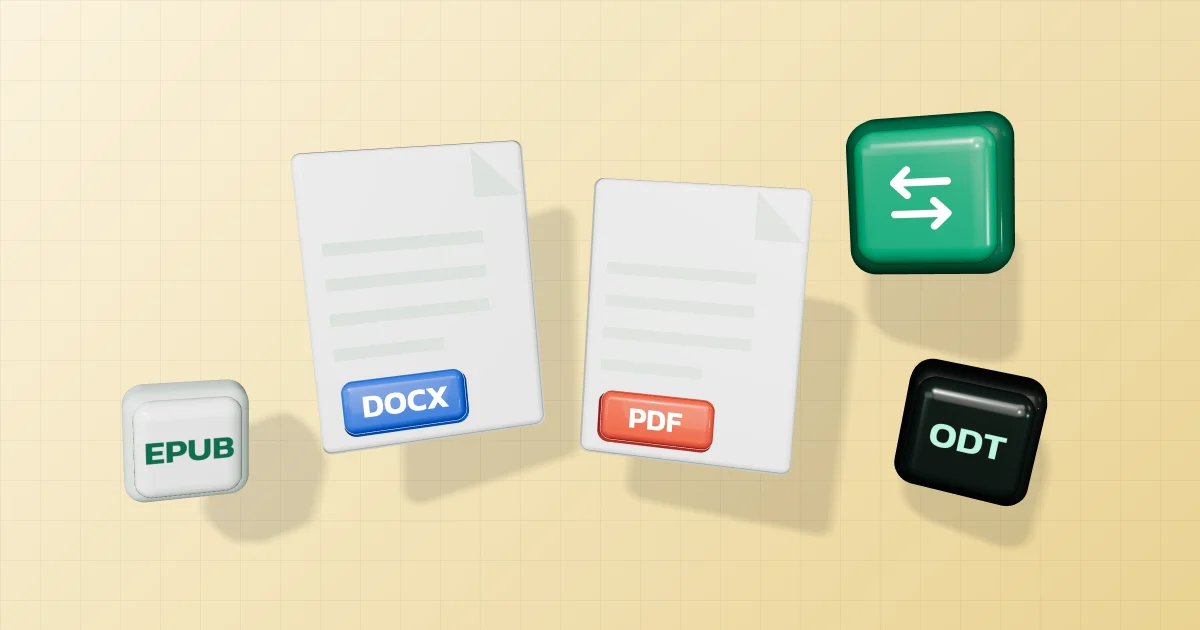
You received an .odt that looks wrong in Word, want a report as an EPUB to read on your phone, or need to send a Word file to an agency as a PDF. Here is what each document format is, why layout changes when you convert, and which format to send.
In short
- For someone to read, or to submit to an agency: send a PDF; it looks the same everywhere.
- For someone to edit: send the format they use, such as DOCX for Word or ODT for LibreOffice.
- To switch formats: the document converter converts Word, ODT, RTF, EPUB, HTML, Markdown and TXT into each other or into PDF; Excel converts to PDF or CSV.
Conversion runs in your browser. Your file is not uploaded.
What each format is
| Format | What it is |
|---|---|
| DOCX | Office Open XML, standardised as ECMA-376 (ISO/IEC 29500); Word’s default instead of .doc. Microsoft says it uses zip compression and files can be up to 75% smaller in some cases |
| ODT | OASIS OpenDocument, designed to be independent of any application or platform; used by LibreOffice and OpenOffice |
| RTF | Microsoft describes it as a way of encoding formatted text and graphics for use within and transfer between applications and operating systems |
| EPUB | W3C describes it as a format for digital publications that packages web content (HTML, CSS, SVG) in a single file; text normally reflows to fit the screen |
| Markdown | John Gruber describes it as easy-to-read, easy-to-write plain text that converts to HTML; the CommonMark spec notes there was no unambiguous spec, so implementations diverged |
| Microsoft recommends it when you want a file that looks the same on most computers |
Why layout changes after converting
Formats don’t all store the same layout details.
- Word and ODT: Microsoft says .odt files open in Word but may show formatting differences, and some Word features aren’t available in .odt; for example, saving as .odt accepts all tracked changes and turns a bibliography into plain text.
- The pandoc converter we use says in its manual that it preserves a document’s structure, such as headings, lists and tables, but not formatting details such as margin size, and that complex tables may not fit its simple document model, so perfect conversion between every pair of formats shouldn’t be expected.
- EPUB is designed to reflow to the screen, so the original pages don’t survive.
If every detail must match the original, save it as a PDF from the program that created it.
Word and Excel to PDF
- Open the document converter and choose a file.
- Choose PDF and press create. Your browser’s print dialog opens.
- Pick “Save as PDF” as the destination. This keeps Thai text correct and the text in the PDF copyable.
Excel: every sheet with data that isn’t hidden prints in turn, each on a new page, using the orientation and margins set in the file; if a print area is set, only that part prints.
Fonts: Microsoft notes that if a file uses a font that can’t be embedded, the PDF reader might substitute another font, and that sharing as PDF alone doesn’t guarantee the recipient can’t edit it.
To combine several files into one PDF afterwards, use merge PDF. To go back from PDF to Word, see PDF to Word.
What Thai government agencies accept
Thailand’s Digital Government Development Agency (DGA) standard on government digital processes says documents sent by the public may be in any commonly used format, such as PDF, TIFF, JPEG, PNG or BMP, as long as staff can read them clearly and close to the original, and recommends that agencies offer forms as fillable PDFs. Individual systems may still set their own file types, so read the announcement for the system you’re using.
Older files
Microsoft explains that Word now saves as .docx by default instead of .doc. Our converter can’t open old .doc and .ppt files yet: open them in Word, PowerPoint or Google Docs/Slides and save as .docx or .pptx first. Old .xls files do open; see .xls vs .xlsx.
Note
This article is based on Ecma International, OASIS, W3C, CommonMark, John Gruber’s site, Microsoft help pages and specifications, the pandoc manual and the DGA standard, read on 30 September 2026.