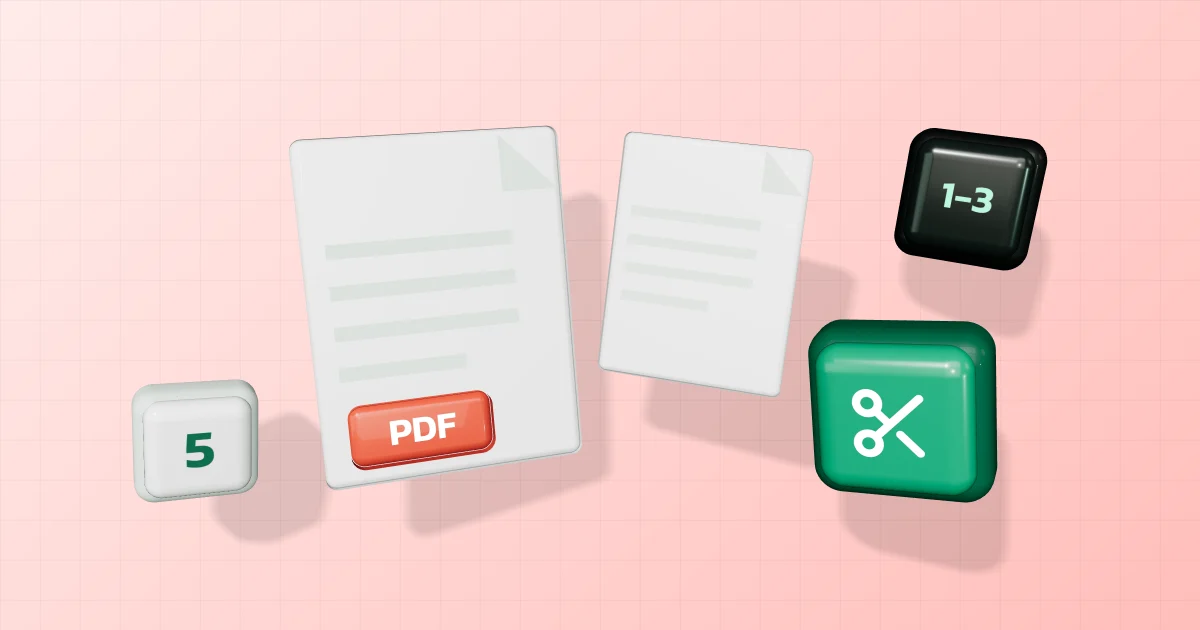
You have a PDF of dozens of pages but only need to send a few, such as the latest month of a bank statement or the page of a contract to sign. Here’s how to split it, extract some pages or delete the rest, with tools that run in your browser.
In short
- Extract pages or split into files: Split PDF — every page, or a range such as 1-3, 5.
- Drop a few pages: Delete PDF pages — pick them from previews.
- Reorder, rotate and delete in one place: Organize PDF.
Why send only the pages needed
A smaller file gets through
- Google says personal Gmail accounts can attach up to 25 MB; above that, Gmail turns the attachment into a Google Drive link.
- The Court of Justice e-Filing manual for lawyers requires each attachment to be a .pdf of at most 5 MB (2019 manual).
No more personal data than necessary
Section 22 of Thailand’s Personal Data Protection Act B.E. 2562 lets those who collect personal data collect only "as much as necessary" for a lawful purpose. The duty is on the organisation collecting it, but as a sender you can follow the same idea by sending only the pages asked for.
Split or extract pages
- Open Split PDF and choose the file.
- Choose every page (one file per page) or your own ranges.
- Type the ranges with dashes and commas, e.g.
1-3, 5= pages 1 to 3 and page 58-= page 8 to the end
- Split and download.
Delete pages
- Open Delete PDF pages and choose the file.
- Look at the page previews and select the pages you don’t want.
- Delete and download the new file; at least one page must remain.
To rotate upside-down pages at the same time, use Organize PDF. To hide part of a page, such as an account number, use Redact PDF instead of deleting the whole page.
Everything runs in your browser: nothing is uploaded, and the original isn’t changed.
Built-in alternatives
- Mac: Apple explains that in Preview you choose View > Thumbnails, select pages and press Delete, or drag thumbnails from the sidebar to the desktop to make a new PDF. Apple warns that deleting a page also removes its annotations.
- Word: if the source is a Word document, Microsoft says you can pick a Page range when saving as PDF.
Note
This article is based on Google, Apple and Microsoft help pages, the Court of Justice e-Filing manual and the Personal Data Protection Act B.E. 2562 as published by the PDPC, read on 30 September 2026.